


A useful flyer design brief needs 5 decisions: audience, primary message, response route, distribution format and production requirements. Choose a layout around what the reader should understand first. A print flyer, a social image and a phone-friendly digital handout can share a campaign idea while needing different compositions.
Which flyer layout best serves the message?
Start with the distribution context. A flyer handed to a person can be examined closely, while an image forwarded on a phone may appear as a small preview. State where the design will be encountered and what the reader should do next. Avoid treating a template’s decorative style as the brief. The same business can need a restrained appointment flyer and a more expressive event announcement.
Consider an announcement-led layout when a single event or launch is the main message. Put the event identity first, then the essential practical details and response route. In a fictional community workshop example, the subject and intended audience should be understandable before the reader studies the programme. This is a layout direction, not a claim that an event exists or that the design has been visually tested.
Consider a product-led layout when the item itself needs recognition. Give the product image and its relevant description enough room, then add the next action. Do not include every catalogue detail if the flyer’s purpose is to direct the reader to a fuller page. Use authorised photography and distinguish a real product image from a concept illustration or generated representation.
Consider a service-led layout when the offer is an activity rather than a physical item. Lead with the problem or need the reader recognises, describe the service clearly and make the contact route easy to find. Avoid generic claims that the business cannot substantiate. A fictional appointment service should state what a person can enquire about without inventing credentials, customer results or availability.
Write a content hierarchy before styling. Identify the headline, supporting explanation, practical details and action. If everything is marked essential, ask which information belongs on the destination page instead. Use the hierarchy to compare template options: a template with a large decorative portrait may be unsuitable when the real need is a legible schedule. Content should determine the composition rather than being squeezed into leftover spaces.
What belongs in the print and digital handoff?
Collect approved text and assets in the brief. Confirm names, dates, contact details and rights to supplied photographs or logos. A designer should not have to invent missing business facts to complete an attractive page. Mark unresolved items clearly in the working copy and keep them out of a final export. An approved layout and approved factual content are separate decisions which both need an owner.
Obtain print specifications from the actual print provider. Adobe’s printer-mark guidance distinguishes marks used in commercial workflows from digital or office output and advises confirming the expected marks. Do not invent a universal bleed, margin or resolution requirement. Record the finished size, material and requested file setup supplied for this job, then prepare the artwork against those requirements.
Check production integrity using the appropriate application tools. Adobe’s preflight guide describes checks for issues such as missing fonts, modified links, overset text and low-resolution images. A clean preflight result is useful technical evidence, but it cannot verify that the phone number is correct or the headline is persuasive. Keep content proofreading and production checking separate in the handoff.
Create the digital version deliberately. Remove print-only production marks, inspect the mobile crop and make the response route usable in the destination context. A QR code may be helpful on paper but awkward when the flyer is already on the phone expected to scan it. Provide an accessible text route alongside the image where possible, including the essential information and destination link.
Compare exports at their intended use size. A large monitor can make small type seem more comfortable than it will be on a phone or printed handout. Print an authorised proof or inspect the actual digital preview, then record what was checked. These are recommended acceptance activities; this text-only brief does not claim that any finished artwork, print proof or crop has already passed visual review.
For a worked copy test, use a fictional event flyer with a subject, audience, location and response route. Ask a reader to identify the subject before reading the small print. Then show the digital preview without its accompanying message and ask how they would obtain the practical details. If the answer depends on information that only appears in the caption, decide whether that dependency is acceptable for the distribution plan. A forwarded image may lose its original caption. Keep the print and digital checks separate, because solving the missing-information problem by adding every detail to both versions can produce an overcrowded design rather than a reliable communication.
Three original visual studies
These original SVG studies use fictional names and sample copy. They are illustrative comparisons, not actual clients, events, approved identities or production-ready artwork. The supplied screen renders have been inspected; physical reproduction and responsive application still need their own checks.
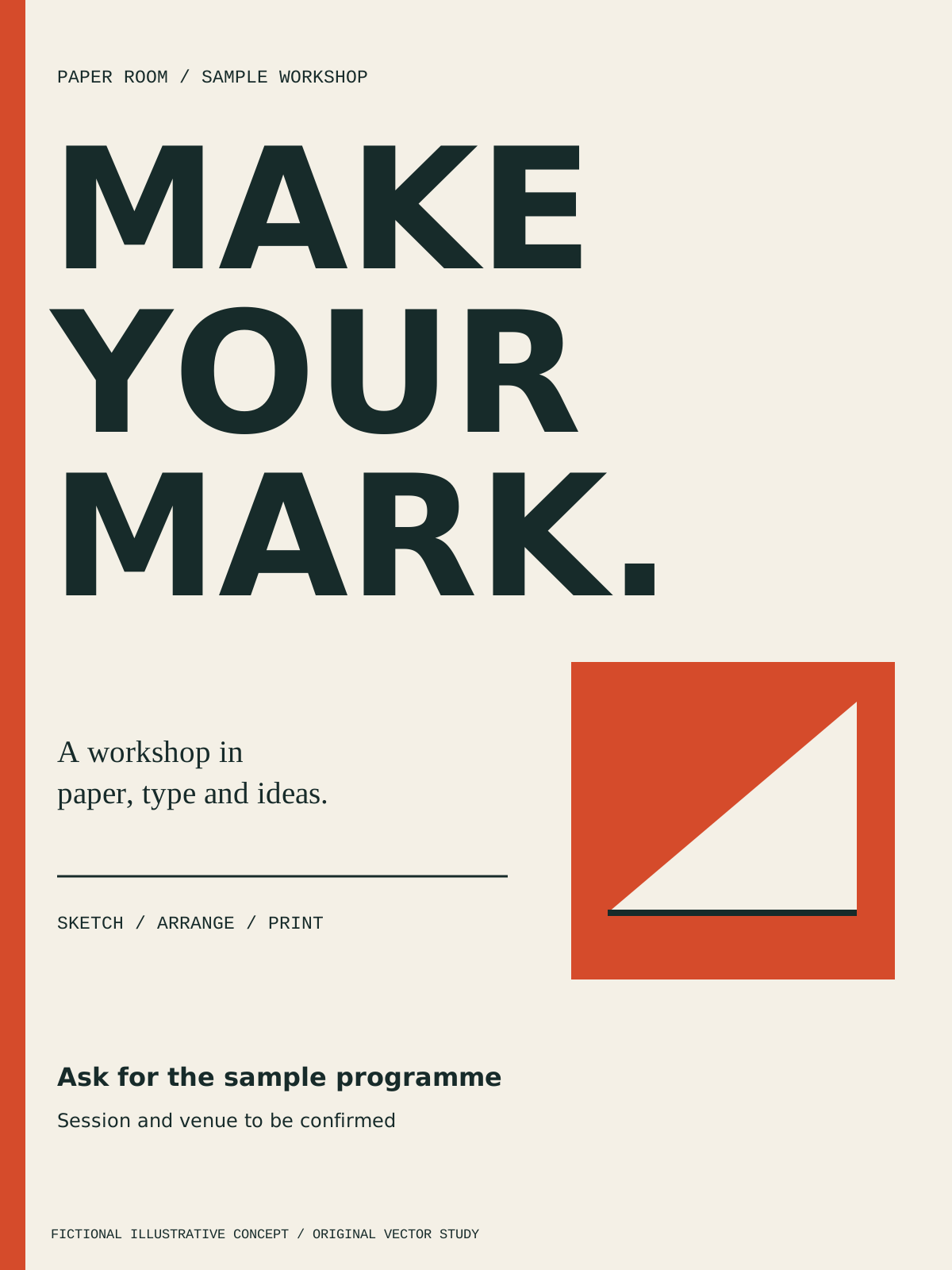
Type first gives MAKE YOUR MARK the largest area, with the workshop description and response beneath it. Choose this hierarchy when a short headline should lead; a longer programme would need a deliberate lower block.
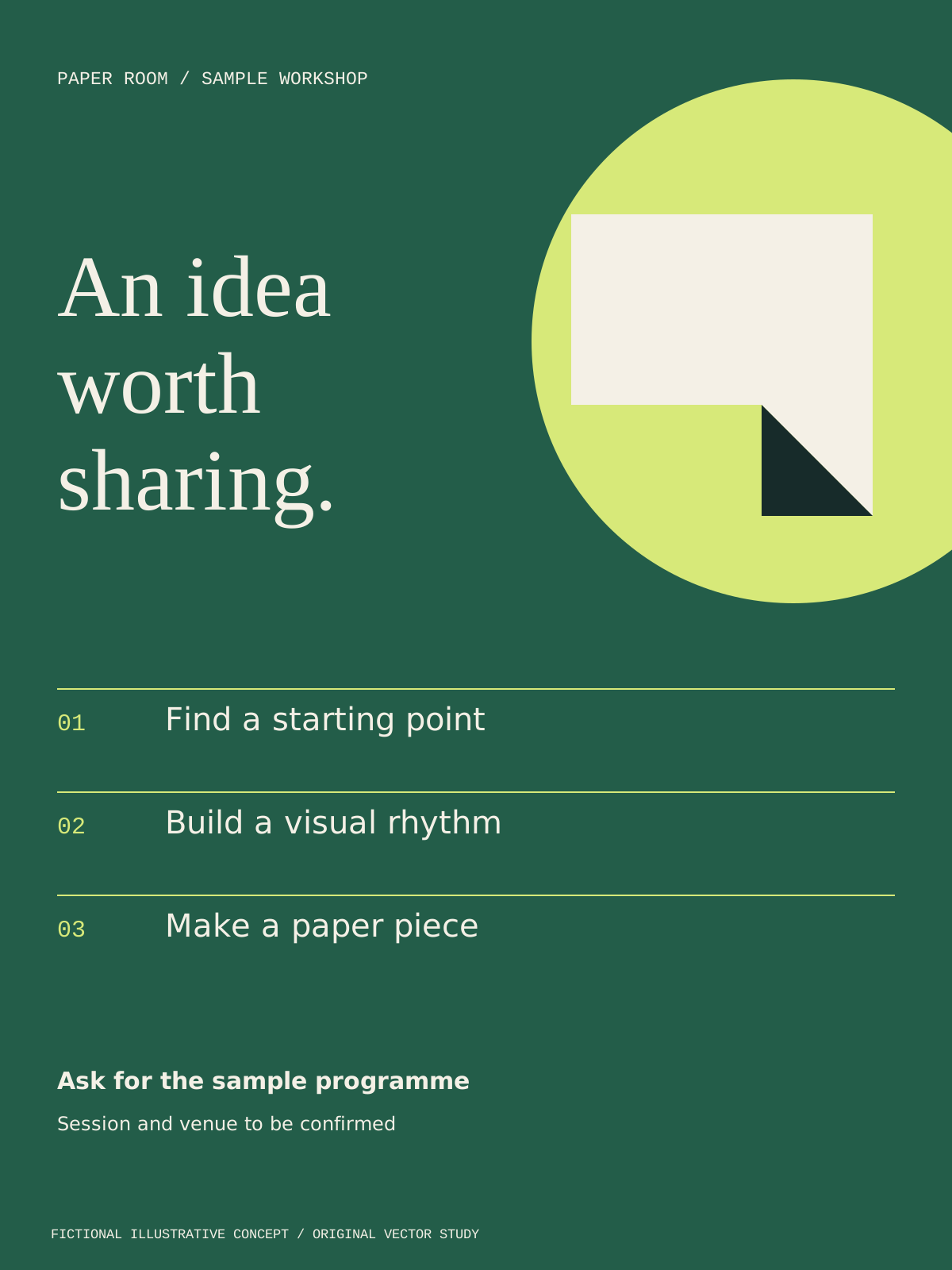
Paper loop makes the folded-paper motif compete more strongly with the serif invitation. It suits a brief where the visual theme matters, but additional copy should stay outside the motif.
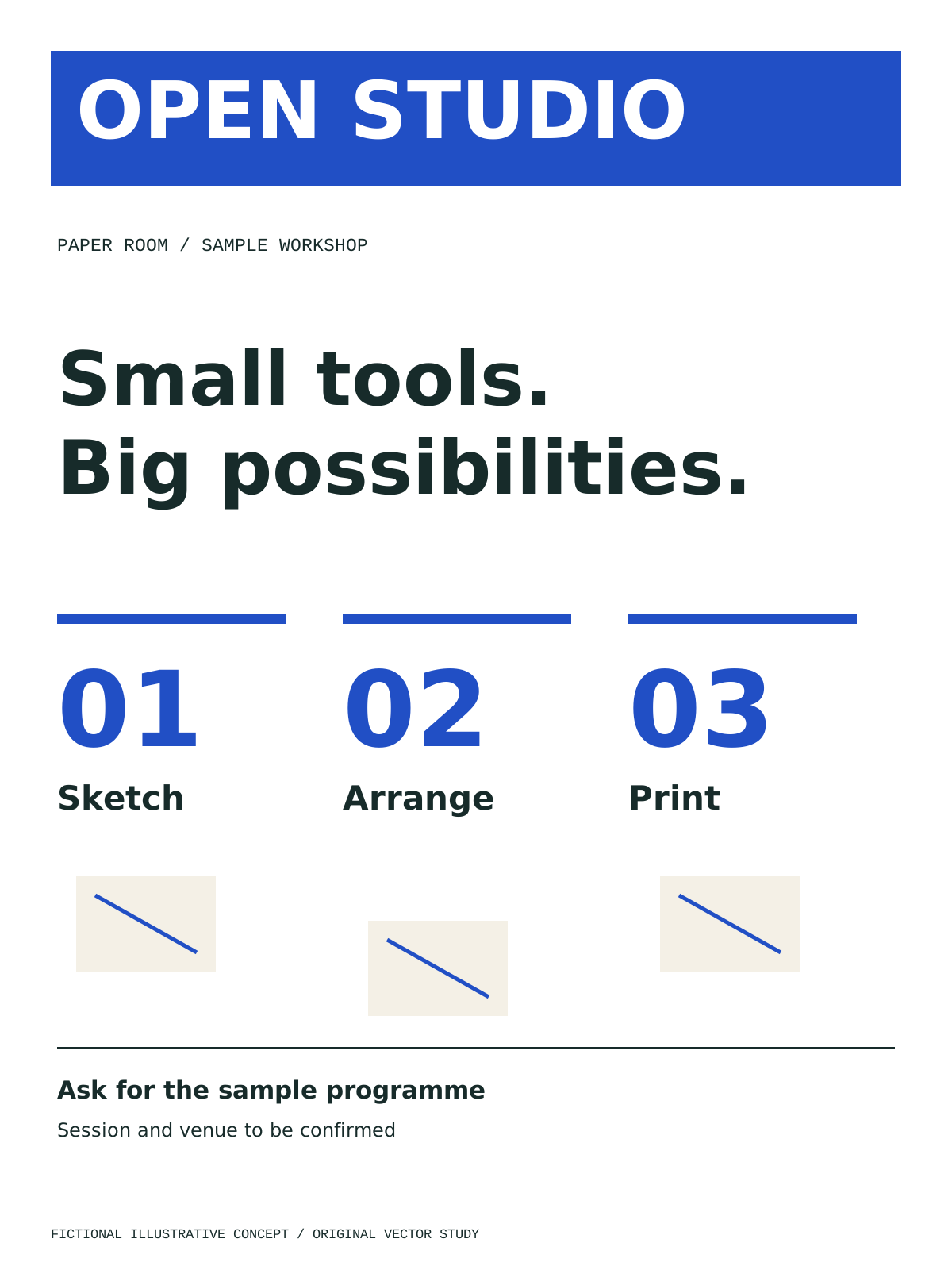
Programme grid makes Sketch, Arrange and Print equally visible in separate columns. It communicates a sequence more explicitly than the other studies; real date, venue and contact information would still need their own checked area.
Decision worksheet
Original contribution: a flyer layout-selection worksheet. Compare announcement-led, product-led and service-led directions against the same fictional brief. For each direction, identify the first thing seen, the evidence needed to support the message and the action that remains visible in a phone preview. Choose the direction that preserves those priorities with the least clutter. Then create a separate output row for print and digital, recording the required dimensions, production instructions, destination and visual-review result. Leave untested artwork marked untested rather than treating a template selection as a completed design.
| Checkpoint | Evidence to retain | Decision or corrective action |
|---|---|---|
| Audience | Reader and distribution context | Choose a relevant layout direction |
| Message | Headline and supporting facts | Move secondary detail to the destination |
| Response | Checked contact route and destination | Test the action in context |
| Production | Print-provider specification and preflight result | Resolve technical output defects |
| Variants | Print proof and digital preview | Adapt rather than blindly resize |
Keep the editable master, approved copy and final exports distinguishable. If the business later changes a date or contact route, it should be possible to identify the source file and the exports that need replacement. Include only authorised fonts and assets in a handoff. Do not interpret a stock-template licence as permission to extract and redistribute every included asset independently.
See logo and brand design for identity context and social media management for digital distribution. To discuss a flyer brief, get started with approved copy, existing brand assets and the intended formats. Existing supplied material should be reviewed before requesting replacements.
By Spout Team. AI-assisted drafting by Codex using the linked primary sources.