


Banner design needs 5 decisions: placement, primary message, layout variants, accessible meaning and destination. A website hero, a social cover and an advertising placement have different constraints. Choose the format first, then compose for that space instead of cropping one attractive master until the message disappears.
Which banner composition fits the placement?
Clarify what banner means in the brief. It can describe a website section, a promotional image, a platform cover or a physical display. This article focuses on digital promotional banners; a physical banner needs a separate production specification. A search result for a user-interface notification banner is also a different design problem from a campaign image directing people to a website.
Compare a message-led layout when the promise or announcement matters most. Give the headline a stable area and keep supporting text subordinate. A fictional workshop banner might lead with the subject and place the registration route below it. Do not place essential words over a visually busy image merely because the photograph is attractive. The composition should protect the actual message across the intended crops.
Compare an image-led layout when recognition of a product or scene is central. Choose an authorised image with room for the message, rather than forcing text over its focal point. Keep the claim tied to what the image honestly represents. A generated concept image should not be described as the business’s actual premises or completed project. The visual direction and factual representation both need review.
Compare a split layout when image and explanation need distinct space. On a wide placement, the two areas may sit beside each other; a narrow version may need a different order. Decide which element remains first when the layout changes. This is a composition proposal to test, not a claim that a particular implementation has already passed responsive review or improved conversion.
Build an output list from real destinations. Record the platform or page, required dimensions, crop behaviour and link destination. Use the current specification supplied by each destination rather than inventing standard banner sizes. An export that fits the file uploader can still crop important content in the public preview. Retain that preview as part of acceptance instead of stopping when the upload succeeds.
How do responsive and accessible versions preserve the message?
Keep meaningful text available beyond a raster image where the web implementation allows it. W3C’s image guidance advises avoiding images of text except in appropriate cases such as logos. Live text can also make responsive composition easier to manage. If the banner must be supplied as an image, provide an accurate text alternative and an accessible surrounding route for its essential information.
Describe an image according to its purpose. The same photograph can be informative in one context and decorative in another. A banner acting as a link needs an alternative that explains the action or destination, rather than a list of colours. W3C distinguishes these cases. Write the purpose in the handoff so the person implementing the banner does not have to guess what should be announced.
Fit the banner into the page hierarchy. W3C’s heading guidance explains that headings communicate organisation and support navigation. A promotional line should not become a top-level page heading solely because it is visually large. Decide how the banner relates to the page’s subject, and check that its heading and action make sense when encountered without the surrounding artwork.
Test the destination as part of the design. A banner inviting a reader to inspect a service should lead to the relevant explanation, not an unrelated homepage section. Check that the destination supports the same message and that an unavailable or expired campaign has a truthful next step. A visually successful banner can still create a poor journey when its action is unclear or misleading.
Compare variants in their actual context. Inspect wide and narrow previews, long headline behaviour and the smallest intended display. Check keyboard access and the accessible name when the banner is interactive. These checks should use the real implementation, not only a design canvas. The original studies below make the composition choices visible; they do not establish a tested responsive page.
Three original visual studies
These original SVG studies use fictional names and sample copy. They are illustrative comparisons, not actual clients, events, approved identities or production-ready artwork. The supplied screen renders have been inspected; physical reproduction and responsive application still need their own checks.
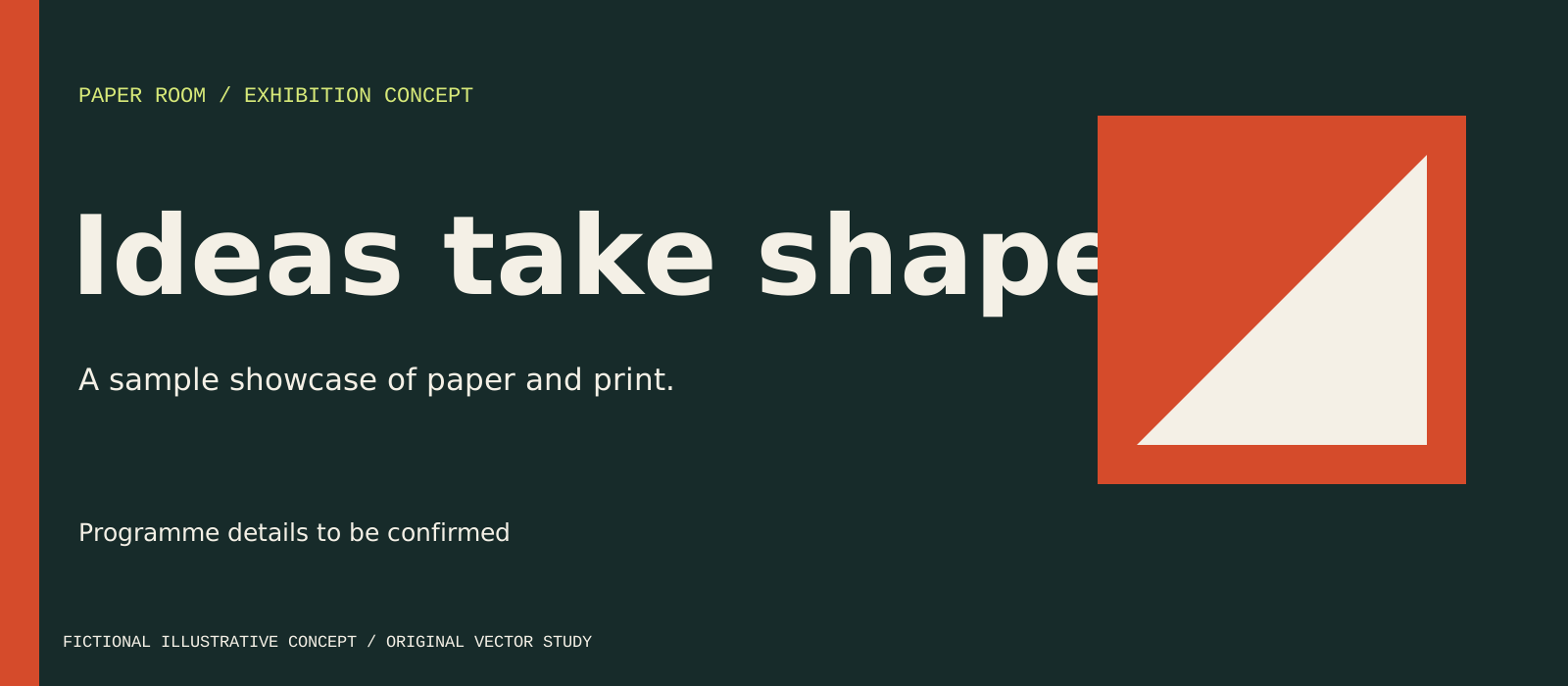
Type and fold balances a short headline against a large paper motif. This offers a useful split composition where the motif supports rather than contains the message.
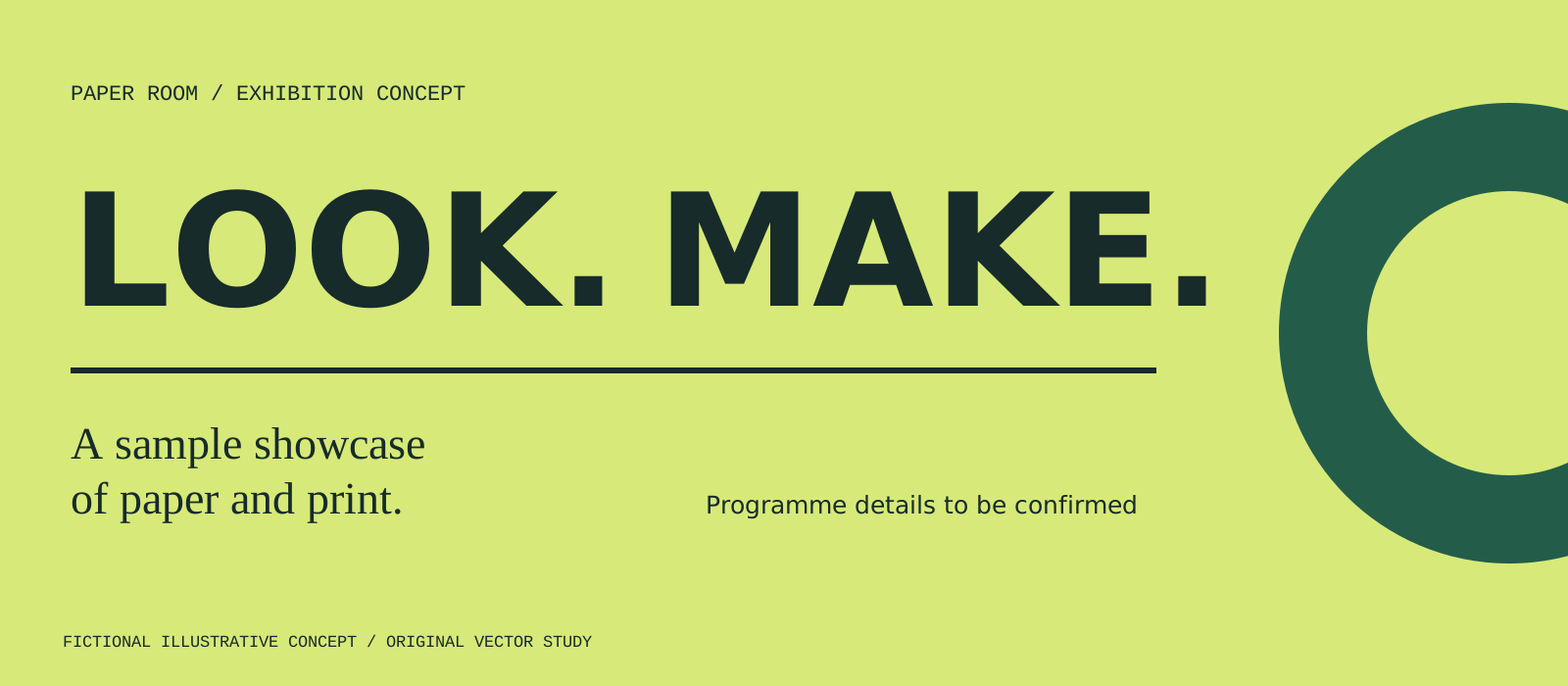
Two beat gives LOOK and MAKE the strongest reading order. The ring bleeds intentionally at the right edge; adding another headline would weaken the composition.
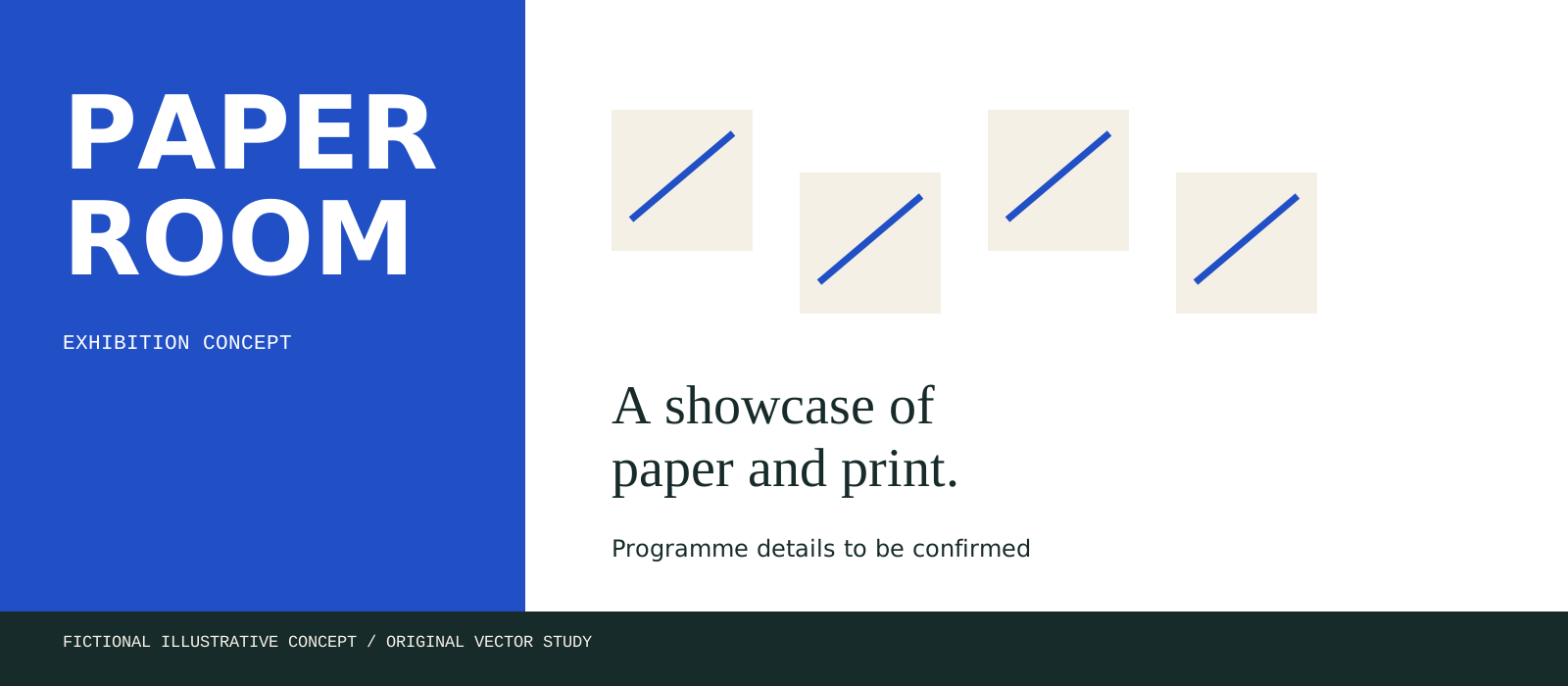
Modular strip fixes the fictional organiser identity in a blue panel and places the supporting message beside repeated paper shapes. A narrow web placement needs recomposition rather than a crop that removes the organiser.
Decision worksheet
Original contribution: a banner crop-survival worksheet. Compare message-led, image-led and split compositions using a fictional campaign. For every destination, write the information that must remain visible, the visual focal point and the action. Review each planned crop against those requirements and record what is lost. If the headline or action disappears, create a deliberate variant rather than accepting the crop. Add a separate accessible-meaning column because a visually intact banner can still have an unhelpful link name or text alternative.
| Checkpoint | Evidence to retain | Decision or corrective action |
|---|---|---|
| Placement | Actual destination specification and preview | Choose the format before composition |
| Message | Headline, support and intended action | Protect meaning across crops |
| Variants | Wide and narrow arrangements | Recompose rather than blindly scale |
| Accessible meaning | Image purpose, heading and link name | Keep the action understandable |
| Destination | Relevant page and completed link test | Repair misleading or broken handovers |
For a worked example, imagine a service announcement that needs both a recognisable product image and a descriptive headline. The wide website version can separate them; the narrow promotional version may need a shorter approved headline and a simpler crop. The essential claim must remain the same. Ask a reader what they expect after selecting the banner, then compare that answer with the destination. This tests message continuity without inventing performance statistics or claiming that a particular style is universally more effective.
See logo and brand design for identity context and web development for responsive implementation. To discuss banners, get started with approved copy, existing assets and the destination list.
By Spout Team. AI-assisted drafting by Codex using the linked primary sources.